















Container
Set up your tracking container with website, Pixel ID, Access Token, and business details
Recover lost conversions with server-side tracking in 5 minutes. Bypass ad blockers and iOS privacy changes to send clean data to Meta, GA4, and TikTok. Pay easily via bKash, Nagad, or Card.

1,200+ marketers trust Gettracked

Send high-quality conversion signals to ad platforms so your campaigns can optimize better.
Gettracked helps businesses collect reliable conversion data through secure server-side tracking. Reduce browser restrictions, ad-blocker data loss, and cookie limitations while sending cleaner events to platforms like Meta, Google Ads, TikTok, and GA4.
apture important actions such as purchases, leads, sign-ups, add-to-cart events,
Send high-quality conversion signals to ad platforms so your campaigns can optimize better.
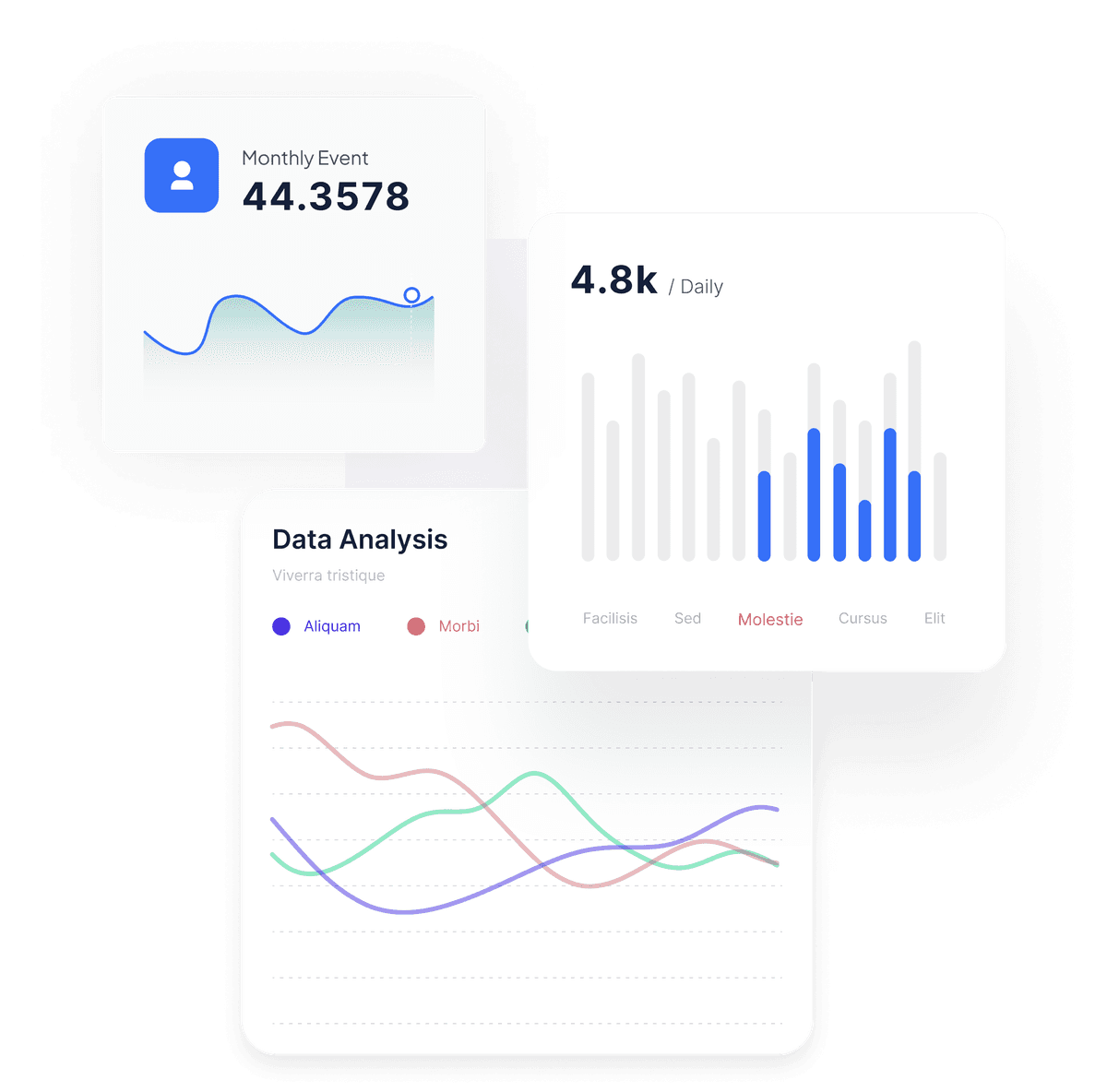
And reveal your store's full potential with reliable adblock-proof ad tracking.
Create your server container, connect your website, and monitor every conversion, clean dashboard.
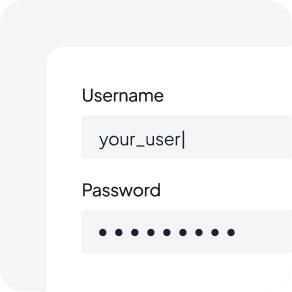
Log in to your tracking dashboard.
Create your server-side container.

View all events, leads, and sales data.
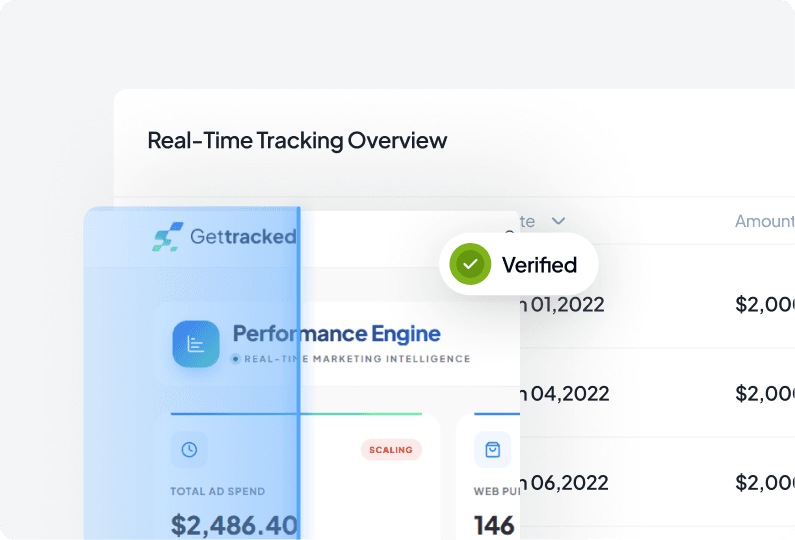
Create containers, manage tracking settings, connect events, and control your Meta CAPI setup from one simple dashboard.
Set up your tracking container with website, Pixel ID, Access Token, and business details
View all containers, check connection status, monitor event setup, and keep your server
Update your website, Pixel, token, event settings, and container information
Our customers use the dashboard to simplify Meta CAPI setup, manage containers easily, and keep tracking under control.
Three builders united by one belief — marketers deserve accurate data, not guesswork. Together they're redefining how brands track, measure, and grow.

Business growth & strategy
Four years building Service Key into a 650+ client agency taught Abdul how to spot what actually moves a business forward — and what just looks like progress. He sets the direction for GetTracked: which problems to solve first, which features matter, and how the business scales from here. That direction is backed by deep hands-on expertise in tracking infrastructure itself — Pixel, CAPI, GA4 — giving him a rare ability to translate technical reality into business strategy.

Marketing & brand
Years spent teaching digital marketing and building content across the industry taught Russel what actually makes a brand stick — and what gets ignored. He now owns GetTracked's marketing and brand from the ground up: positioning, messaging, and how the product shows up everywhere from ad copy to the pricing page. That instinct comes from being on both sides — as an educator who has trained marketers, and a content creator who understands what earns attention in a crowded feed.

Business growth & strategy
Four years building Service Key into a 650+ client agency taught Abdul how to spot what actually moves a business forward — and what just looks like progress. He sets the direction for GetTracked: which problems to solve first, which features matter, and how the business scales from here. That direction is backed by deep hands-on expertise in tracking infrastructure itself — Pixel, CAPI, GA4 — giving him a rare ability to translate technical reality into business strategy.
Marketing & brand
Years spent teaching digital marketing and building content across the industry taught Russel what actually makes a brand stick — and what gets ignored. He now owns GetTracked's marketing and brand from the ground up: positioning, messaging, and how the product shows up everywhere from ad copy to the pricing page. That instinct comes from being on both sides — as an educator who has trained marketers, and a content creator who understands what earns attention in a crowded feed.
Three founders · one shared mission


Quick answers about Meta CAPI, server-side tracking, setup, and dashboard reporting. Need more help? Contact our support team at support@gettracked.io.
Meta CAPI sends conversion events directly from your server to Meta. This helps reduce data loss caused by browser restrictions, ad blockers, cookies, and iOS privacy updates.
No. Gettracked hosts and manages the server-side container for you. You only configure your website, Pixel ID, and access token from the dashboard.
Yes. You can capture purchases, leads, sign-ups, add-to-cart, and any custom events you define, then forward them to Meta CAPI, TikTok Events, and GA4.
Yes. The dashboard shows real-time event delivery, conversion history, and per-campaign performance, so you can verify everything is firing correctly.
If your event usage exceeds the current plan limit, you can upgrade your plan at any time to continue tracking without interruption.

You can ask anything you want to know — we’re happy to help.
Join 400+ high-growth brands who have reclaimed their data visibility in the first 10000 event.